
MiroTalk SFU
Self-hosted WebRTC video conferencing: HD rooms, screen share, chat, recording.
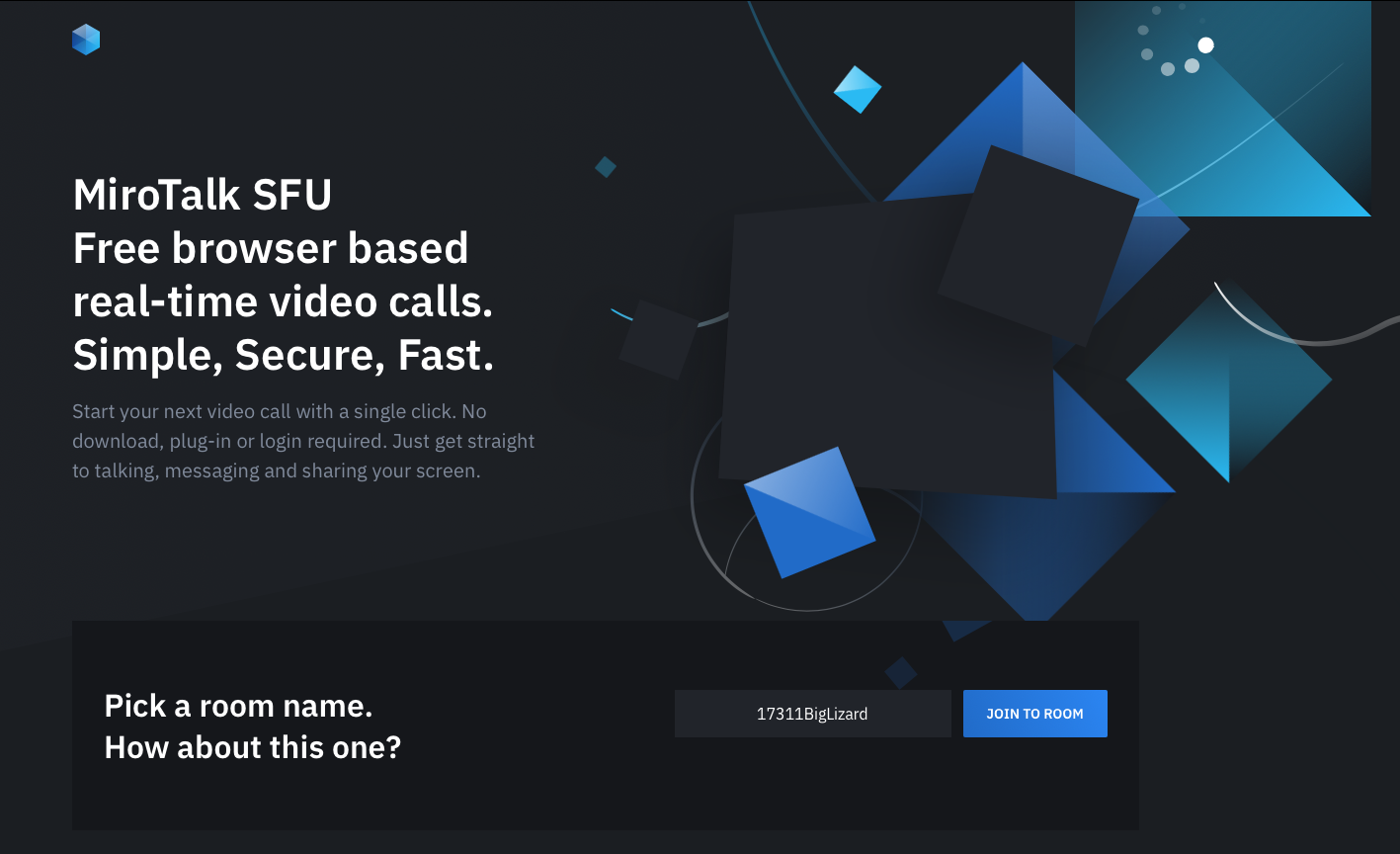
MiroTalk SFU is a free, open-source, self-hosted video conferencing server built on the mediasoup Selective Forwarding Unit. It runs entirely in the browser (WebRTC), so participants join HD video meetings from a link with no app and no account, while you keep full ownership of the server and the data.
Key features
- Multi-party HD video and audio rooms powered by mediasoup (SFU)
- Screen sharing, collaborative whiteboard, file sharing and group/private chat
- Server-side recording, RTMP broadcasting and real-time transcription
- Host protection: only your seeded host user can create and start rooms
- No accounts for guests, shareable room links and QR codes
- Runs as a single container in host network mode; no external services
Use cases
- Private, self-hosted team meetings and webinars that never touch a third party
- Embedded/branded video calling for a product or a support desk
- Telehealth, tutoring and any workflow that needs data-sovereign video
Why run it on the NetActuate edge Real-time video is latency-sensitive: hosting MiroTalk SFU in a PoP close to your participants shortens the media path and improves call quality, while the public anycast-ready edge gives you a stable announced address for mediasoup so WebRTC connectivity just works.
Deployed from the NetActuate marketplace, the appliance boots pre-configured from your seeded values: at first boot it detects the instance public IP and sets it as the mediasoup announced address, opens the RTC media port range, and enables host protection with your host user and a generated password. Open the console at http://<instance-ip>:3010 (it presents the host login) and start meeting.
Frequently asked questions
How do I deploy MiroTalk SFU on NetActuate?

Use the Deploy on NetActuate button to talk to our team. We provision MiroTalk SFU on a NetActuate virtual machine in the point of presence you choose, close to your audience. Each deployment runs in the single location you select.
What does it cost to run MiroTalk SFU?
MiroTalk SFU is open-source software and free to run on the marketplace - you pay only for the NetActuate compute (virtual-machine size and location) it runs on, at standard rates. There are no usage-based software fees.
Where can MiroTalk SFU run?
MiroTalk SFU can be deployed in any of NetActuate's 50+ points of presence across every continent, so you can place ingest, transcode, delivery and caching close to your contributors and viewers.
Who supports MiroTalk SFU?
NetActuate operates and supports the underlying infrastructure - the virtual machine, network and edge platform. The application itself is supported by its upstream open-source project.