
SPX Graphics Controller
Self-hosted HTML broadcast graphics: control lower-thirds, tickers and scoreboards.
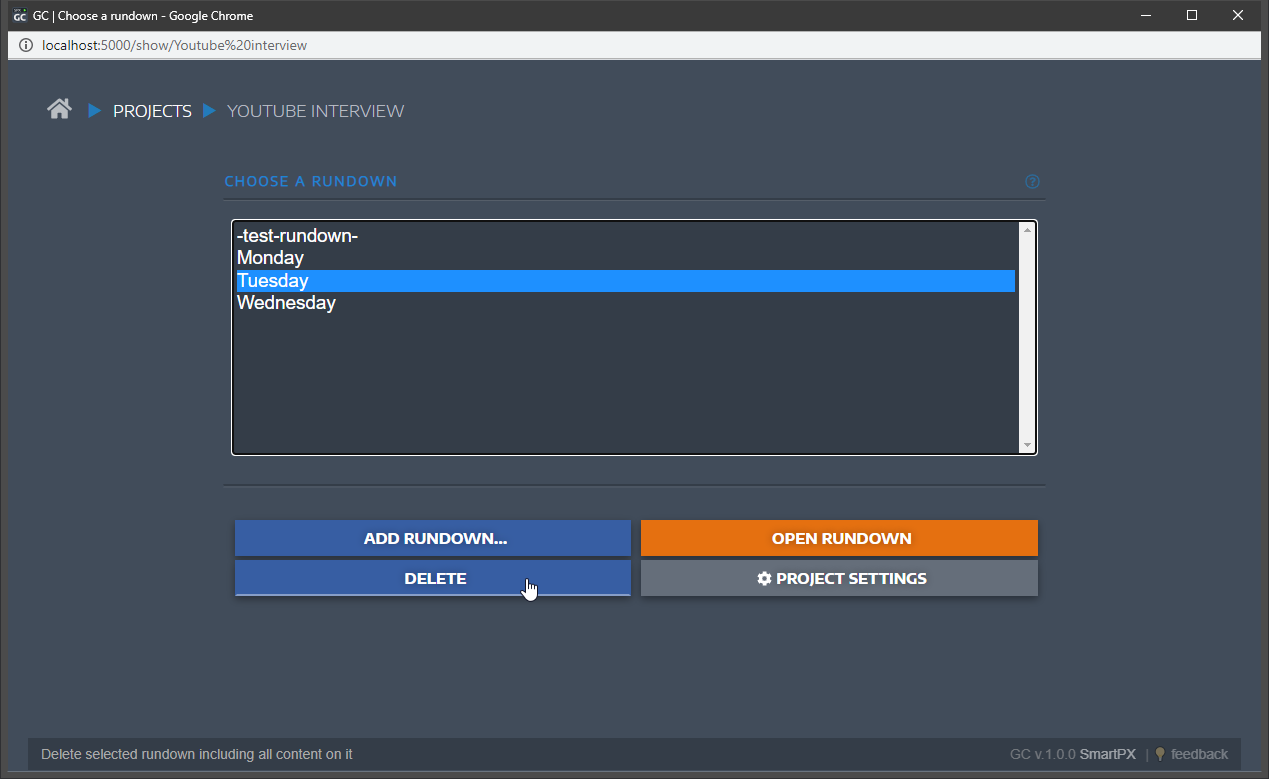
SPX Graphics Controller (SPX-GC) is an open-source, self-hosted broadcast graphics and character-generator (CG) system. Build and operate on-air overlays - lower-thirds, tickers, bugs, scoreboards, full-screen graphics - from a clean web control surface, and drive HTML template playout to a browser source in OBS or vMix, a built-in renderer, or a CasparCG server.
Key features
- Web-based control room: projects, rundowns and per-item controls in the browser
- HTML template graphics (lower-thirds, tickers, scoreboards, clocks, full-screen)
- Play out to an OBS/vMix browser source, the built-in renderer, or CasparCG
- REST and socket control API for automation and hardware panels (Stream Deck)
- Single-container appliance, no external database to run
- User login enabled out of the box (seeded admin credential, not the open default)
Use cases
- Live sports, news and event graphics operated by a single controller
- Streamers and studios adding professional lower-thirds and tickers to OBS/vMix
- Automation-driven graphics via the SPX control API
Why run it on the NetActuate edge Running SPX-GC in a PoP close to your production keeps the control surface and the template/renderer traffic low-latency for operators and browser sources, and keeps your graphics templates and rundowns on infrastructure you control.
Deployed from the NetActuate marketplace, SPX-GC boots pre-configured from your seeded values: user login is enabled and the admin account is created at first boot (the password is generated into your secret list if you do not provide one). Sign in at http://<instance-ip>:5656 and start building graphics. Public exposure should sit behind TLS termination on a real hostname (a documented follow-up); the single-VM appliance serves the full web UI over HTTP on the instance IP out of the box.
Frequently asked questions
How do I deploy SPX Graphics Controller on NetActuate?

Use the Deploy on NetActuate button to talk to our team. We provision SPX Graphics Controller on a NetActuate virtual machine in the point of presence you choose, close to your audience. Each deployment runs in the single location you select.
What does it cost to run SPX Graphics Controller?
SPX Graphics Controller is open-source software and free to run on the marketplace - you pay only for the NetActuate compute (virtual-machine size and location) it runs on, at standard rates. There are no usage-based software fees.
Where can SPX Graphics Controller run?
SPX Graphics Controller can be deployed in any of NetActuate's 50+ points of presence across every continent, so you can place ingest, transcode, delivery and caching close to your contributors and viewers.
Who supports SPX Graphics Controller?
NetActuate operates and supports the underlying infrastructure - the virtual machine, network and edge platform. The application itself is supported by its upstream open-source project.