TCP and UDP load balancers
Use TCP and UDP to inspect the L4 controls in the portal. L4 creation is currently unavailable in production; the API returns an empty list and rejects creation.
Note: Balancer is in beta. Endpoints, fields and behavior may change before general availability, and the feature must be enabled on your account before use. Contact your NetActuate account manager to request access.
TCP and UDP list
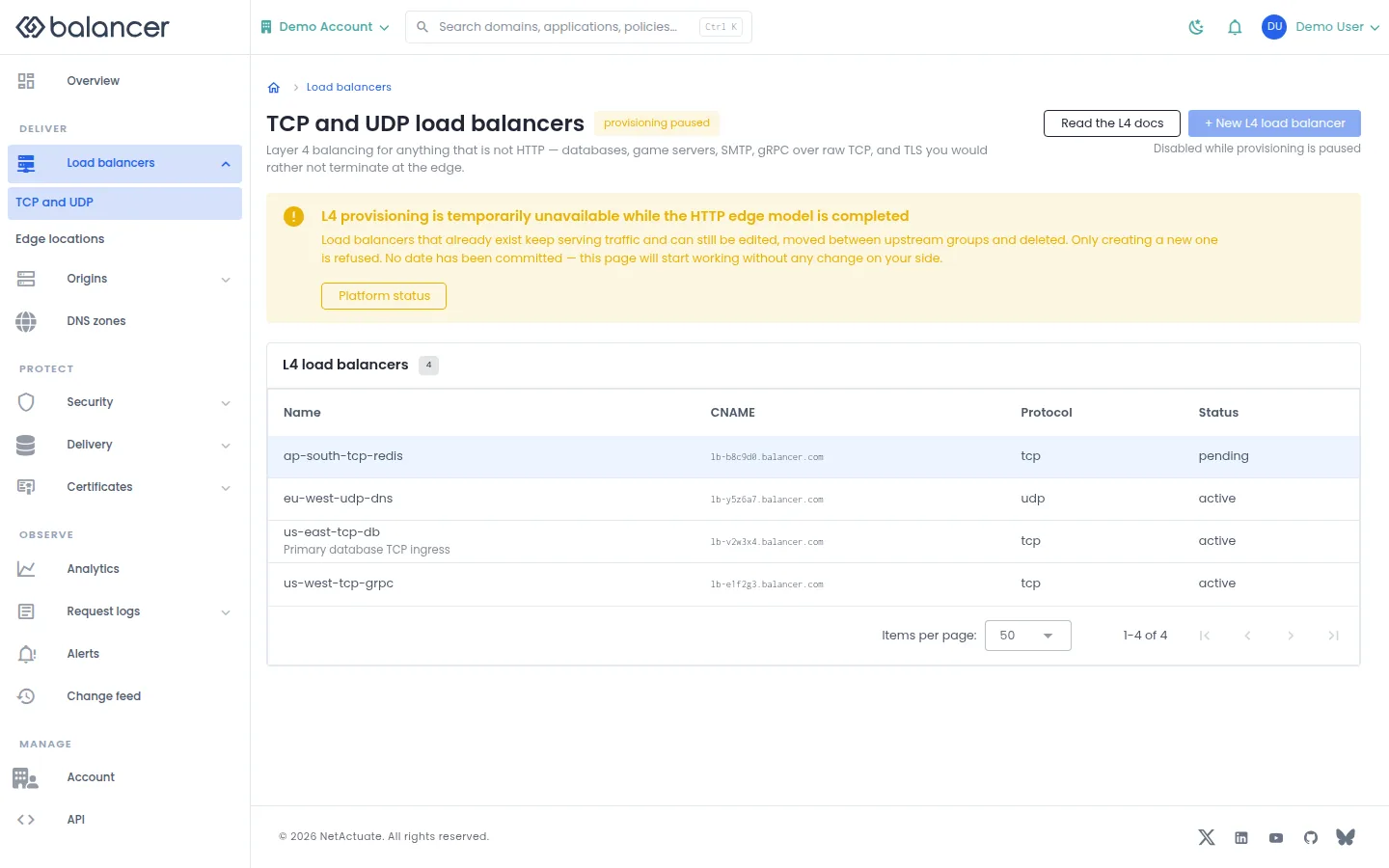
The list presents TCP and UDP load balancers. These controls may not be available on your account yet. Production creation is currently rejected and the production list is empty.
- Open Load balancers, then TCP and UDP to inspect availability.
- Read the L4 availability guide before planning a deployment. Do not use the creation controls as confirmation of production availability.
Verify with the API
Use the API host shown in the Balancer portal in place of https://<your-api-host>. Set $BALANCER_API_KEY to your credential for this context.
curl --fail-with-body --silent --show-error --request GET \
  --url "https://<your-api-host>/l4-loadbalancers" \
  --header "x-api-key: $BALANCER_API_KEY"
Expect HTTP 200 with code set to 200. The response includes data.meta.total, data.meta.offset, data.meta.limit, data.meta.suggestedFilters. Compare the returned configuration with the screen. A successful configuration read does not verify that an edge has applied it.
API reference: Returns an empty L4 load-balancer list.
TCP and UDP details
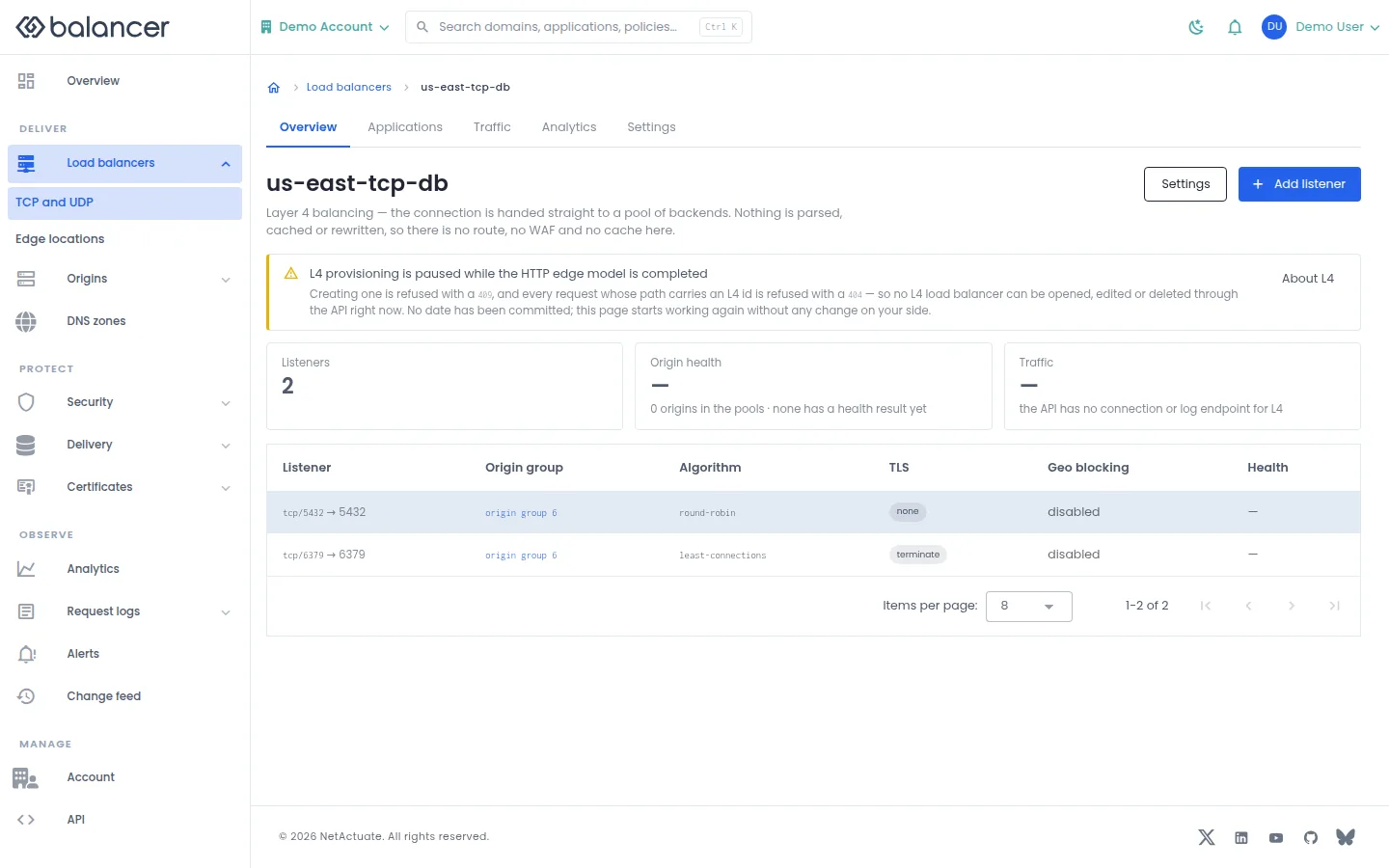
The detail screen presents listener and origin information. These controls may not be available on your account yet. Production creation is currently rejected and the production list is empty.
- Open Load balancers, then TCP and UDP to inspect availability.
- Read the L4 availability guide before planning a deployment. Do not use the creation controls as confirmation of production availability.
Verify with the API
Use the API host shown in the Balancer portal in place of https://<your-api-host>. Set $BALANCER_API_KEY to your credential for this context.
curl --fail-with-body --silent --show-error --request GET \
  --url "https://<your-api-host>/l4-loadbalancers" \
  --header "x-api-key: $BALANCER_API_KEY"
Expect HTTP 200 with code set to 200. The response includes data.meta.total, data.meta.offset, data.meta.limit, data.meta.suggestedFilters. Compare the returned configuration with the screen. A successful configuration read does not verify that an edge has applied it.
API reference: Returns an empty L4 load-balancer list.
TCP and UDP analytics
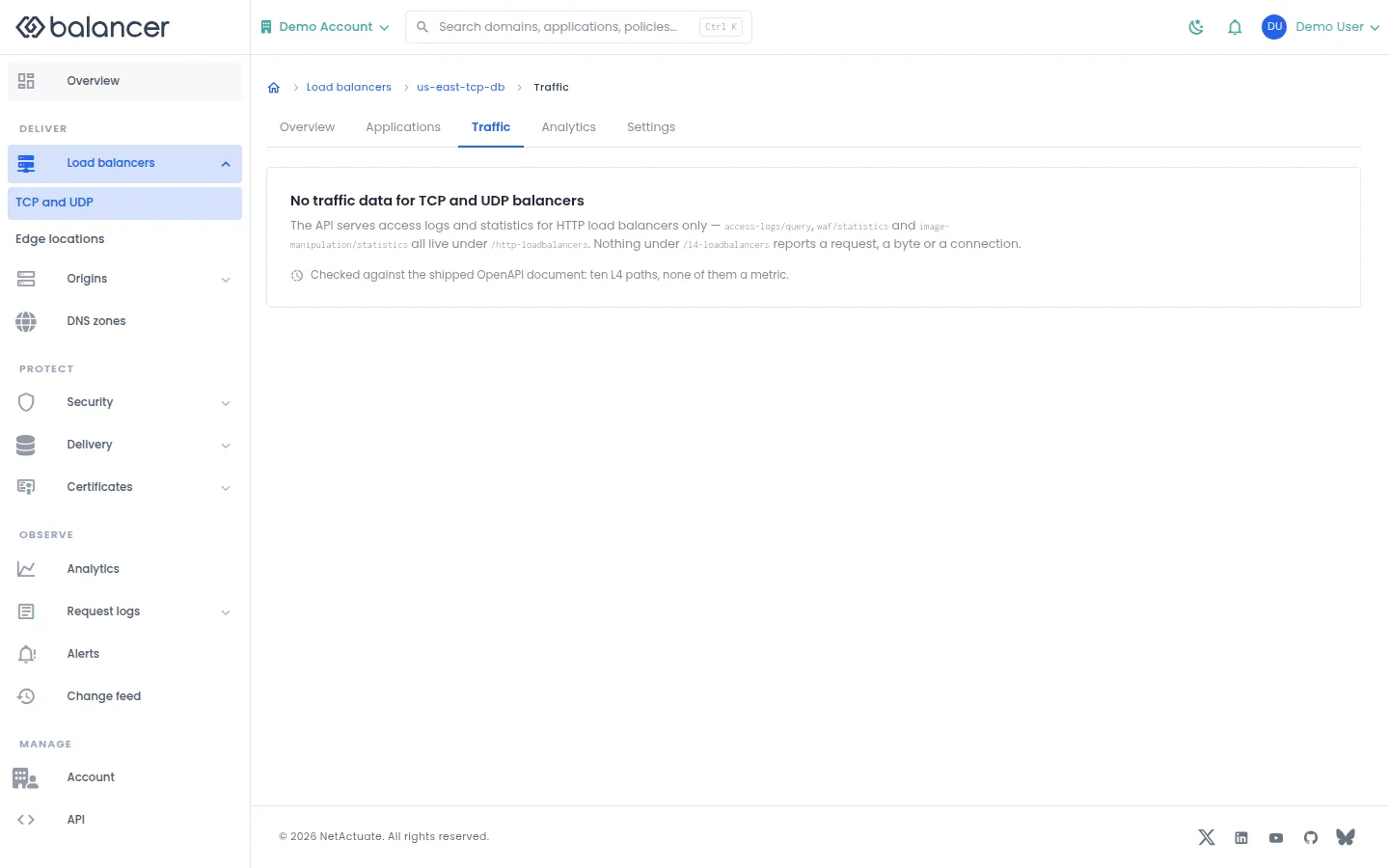
The screen states that traffic data is unavailable for TCP and UDP balancers. These controls may not be available on your account yet. Production creation is currently rejected and the production list is empty.
- Open Load balancers, then TCP and UDP to inspect availability.
- Read the L4 availability guide before planning a deployment. Do not use the creation controls as confirmation of production availability.
Verify with the API
Use the API host shown in the Balancer portal in place of https://<your-api-host>. Set $BALANCER_API_KEY to your credential for this context.
curl --fail-with-body --silent --show-error --request GET \
  --url "https://<your-api-host>/l4-loadbalancers" \
  --header "x-api-key: $BALANCER_API_KEY"
Expect HTTP 200 with code set to 200. The response includes data.meta.total, data.meta.offset, data.meta.limit, data.meta.suggestedFilters. Compare the returned configuration with the screen. A successful configuration read does not verify that an edge has applied it.
API reference: Returns an empty L4 load-balancer list.
TCP and UDP groups
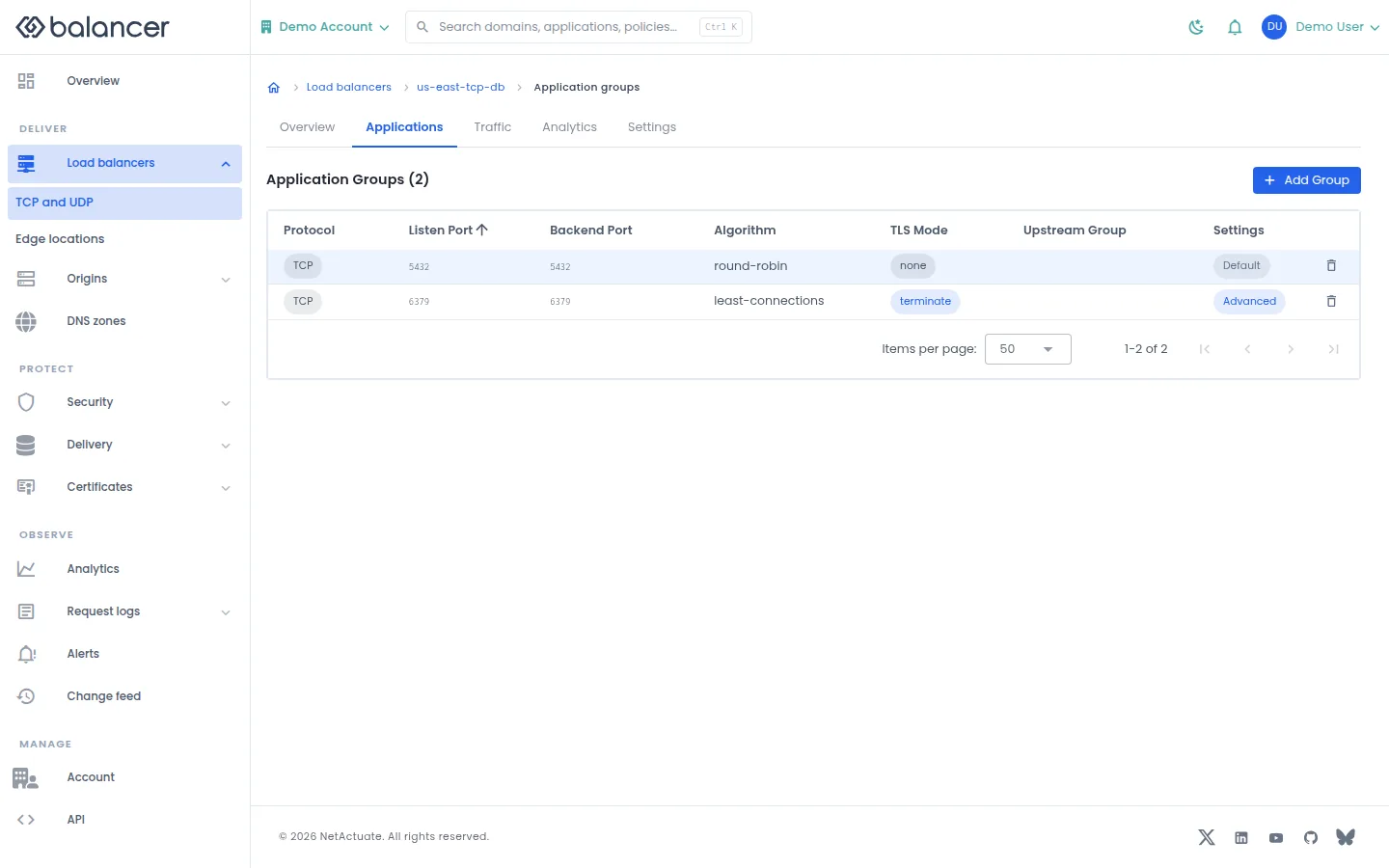
The group list presents listener ports, backend ports, algorithm and TLS mode. These controls may not be available on your account yet. Production creation is currently rejected and the production list is empty.
- Open Load balancers, then TCP and UDP to inspect availability.
- Read the L4 availability guide before planning a deployment. Do not use the creation controls as confirmation of production availability.
Verify with the API
Use the API host shown in the Balancer portal in place of https://<your-api-host>. Set $BALANCER_API_KEY to your credential for this context.
curl --fail-with-body --silent --show-error --request GET \
  --url "https://<your-api-host>/l4-loadbalancers" \
  --header "x-api-key: $BALANCER_API_KEY"
Expect HTTP 200 with code set to 200. The response includes data.meta.total, data.meta.offset, data.meta.limit, data.meta.suggestedFilters. Compare the returned configuration with the screen. A successful configuration read does not verify that an edge has applied it.
API reference: Returns an empty L4 load-balancer list.
TCP and UDP group
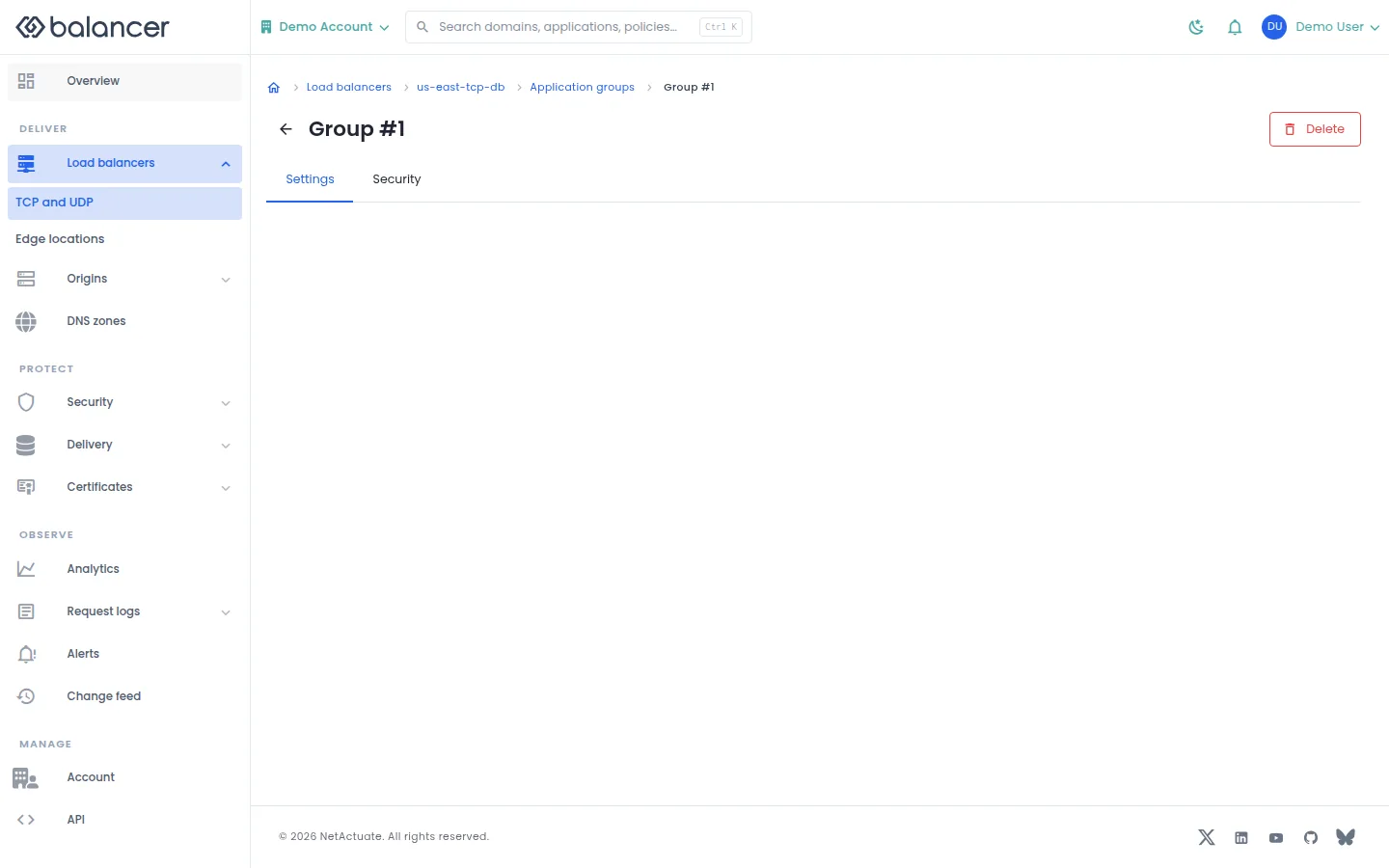
The group screen links to settings and security. These controls may not be available on your account yet. Production creation is currently rejected and the production list is empty.
- Open Load balancers, then TCP and UDP to inspect availability.
- Read the L4 availability guide before planning a deployment. Do not use the creation controls as confirmation of production availability.
Verify with the API
Use the API host shown in the Balancer portal in place of https://<your-api-host>. Set $BALANCER_API_KEY to your credential for this context.
curl --fail-with-body --silent --show-error --request GET \
  --url "https://<your-api-host>/l4-loadbalancers" \
  --header "x-api-key: $BALANCER_API_KEY"
Expect HTTP 200 with code set to 200. The response includes data.meta.total, data.meta.offset, data.meta.limit, data.meta.suggestedFilters. Compare the returned configuration with the screen. A successful configuration read does not verify that an edge has applied it.
API reference: Returns an empty L4 load-balancer list.
TCP and UDP domains
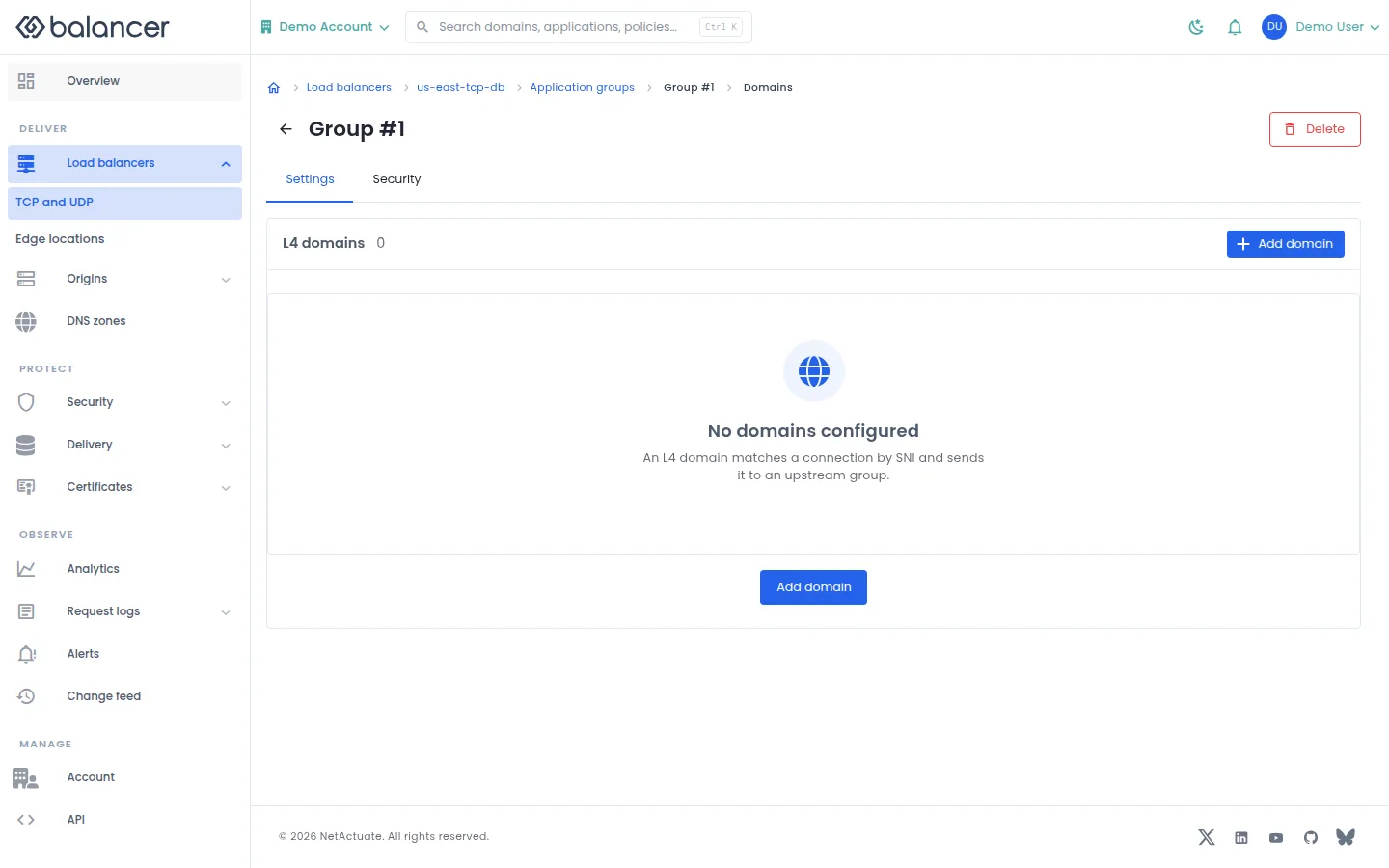
The domain screen presents domain controls for a group. These controls may not be available on your account yet. Production creation is currently rejected and the production list is empty.
- Open Load balancers, then TCP and UDP to inspect availability.
- Read the L4 availability guide before planning a deployment. Do not use the creation controls as confirmation of production availability.
Verify with the API
Use the API host shown in the Balancer portal in place of https://<your-api-host>. Set $BALANCER_API_KEY to your credential for this context.
curl --fail-with-body --silent --show-error --request GET \
  --url "https://<your-api-host>/l4-loadbalancers" \
  --header "x-api-key: $BALANCER_API_KEY"
Expect HTTP 200 with code set to 200. The response includes data.meta.total, data.meta.offset, data.meta.limit, data.meta.suggestedFilters. Compare the returned configuration with the screen. A successful configuration read does not verify that an edge has applied it.
API reference: Returns an empty L4 load-balancer list.
TCP and UDP group settings
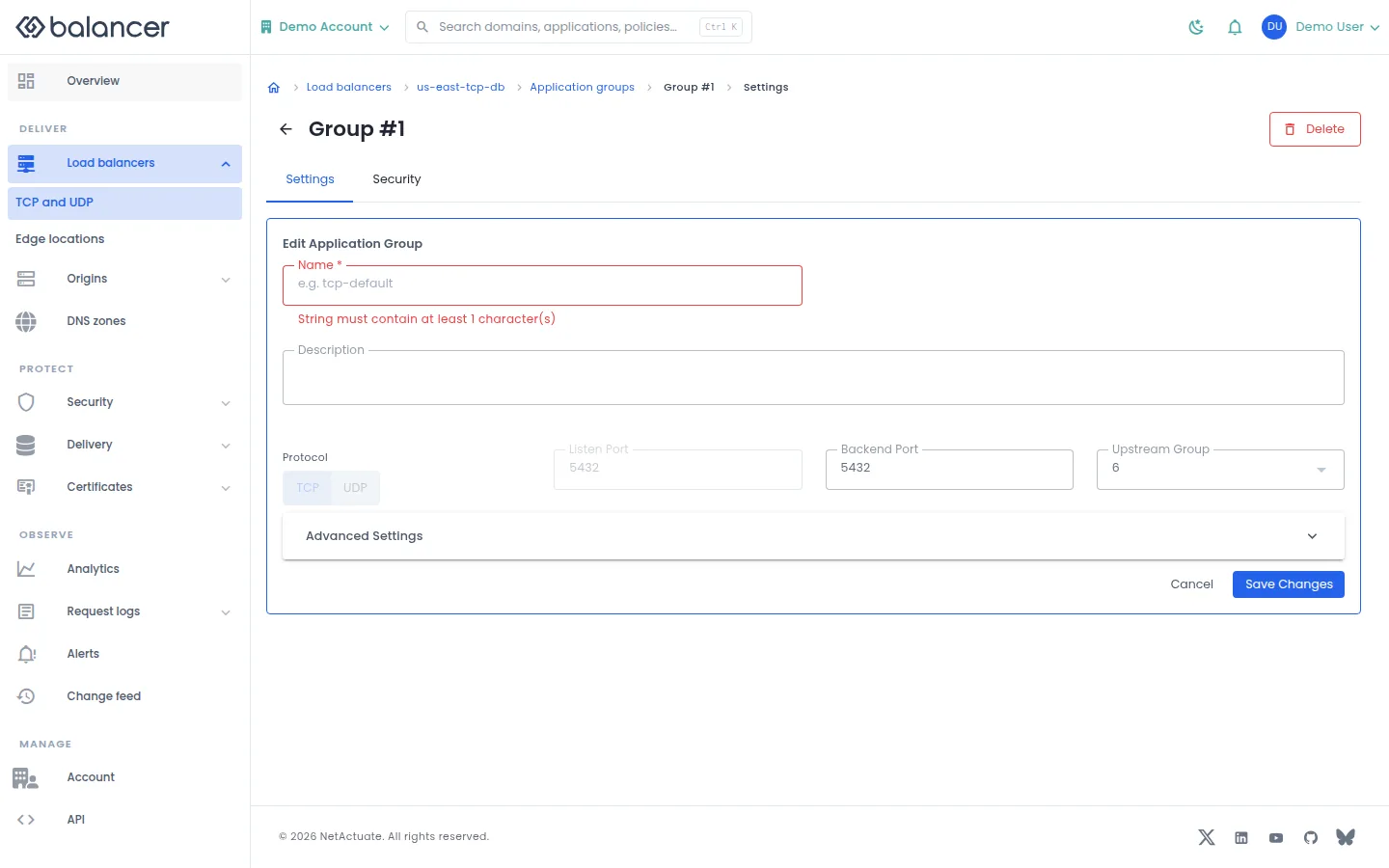
The settings form presents protocol, listener and origin controls. These controls may not be available on your account yet. Production creation is currently rejected and the production list is empty.
- Open Load balancers, then TCP and UDP to inspect availability.
- Read the L4 availability guide before planning a deployment. Do not use the creation controls as confirmation of production availability.
| Field | Required | Description | Matching API field |
|---|---|---|---|
| **Name *** | Yes in the form | 1-64 characters. | name |
| Description | No | Up to 255 characters. | description |
| Listen Port | Yes | 1-65535. | listenPort |
| Backend Port | Yes | 1-65535. | backendPort |
| Upstream Group | Yes | Existing upstream pool. | upstreamGroupId |
| Algorithm | No | Origin selection algorithm. | algorithm |
| TLS Mode | No | Listener TLS mode. | tlsMode |
| Require Domain Match | No | Require a matching hostname. | doRequireDomainMatch |
| SSL to Backend | No | Use TLS to the origin. | sslToBackendEnabled |
| Proxy Protocol | No | Proxy protocol version. | proxyProtocolVersion |
| Idle Timeout | No | Timeout in seconds. | idleTimeoutSeconds |
| Downstream CA Certificate (PEM) | No | Client certificate authority. | downstreamCaCertificate |
Verify with the API
Use the API host shown in the Balancer portal in place of https://<your-api-host>. Set $BALANCER_API_KEY to your credential for this context.
curl --fail-with-body --silent --show-error --request GET \
  --url "https://<your-api-host>/l4-loadbalancers" \
  --header "x-api-key: $BALANCER_API_KEY"
Expect HTTP 200 with code set to 200. The response includes data.meta.total, data.meta.offset, data.meta.limit, data.meta.suggestedFilters. Compare the returned configuration with the screen. A successful configuration read does not verify that an edge has applied it.
API reference: Returns an empty L4 load-balancer list.
TCP and UDP group creation screen
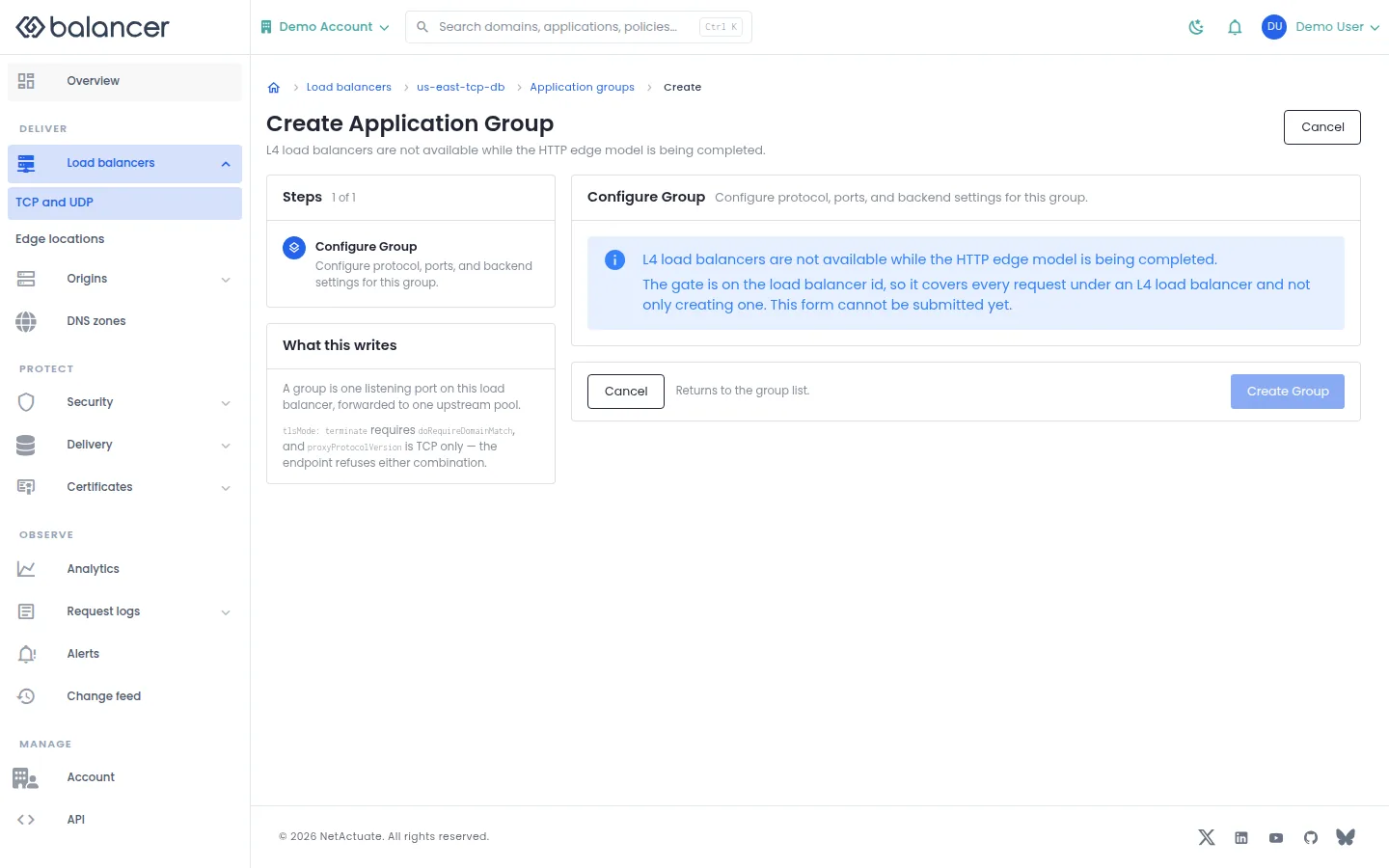
The screen presents an application group form. These controls may not be available on your account yet. Production creation is currently rejected and the production list is empty.
- Open Load balancers, then TCP and UDP to inspect availability.
- Read the L4 availability guide before planning a deployment. Do not use the creation controls as confirmation of production availability.
| Field | Required | Description | Matching API field |
|---|---|---|---|
| **Name *** | Yes in the form | 1-64 characters. | name |
| Description | No | Up to 255 characters. | description |
| Listen Port | Yes | 1-65535. | listenPort |
| Backend Port | Yes | 1-65535. | backendPort |
| Upstream Group | Yes | Existing upstream pool. | upstreamGroupId |
| Algorithm | No | Origin selection algorithm. | algorithm |
| TLS Mode | No | Listener TLS mode. | tlsMode |
| Require Domain Match | No | Require a matching hostname. | doRequireDomainMatch |
| SSL to Backend | No | Use TLS to the origin. | sslToBackendEnabled |
| Proxy Protocol | No | Proxy protocol version. | proxyProtocolVersion |
| Idle Timeout | No | Timeout in seconds. | idleTimeoutSeconds |
| Downstream CA Certificate (PEM) | No | Client certificate authority. | downstreamCaCertificate |
Verify with the API
Use the API host shown in the Balancer portal in place of https://<your-api-host>. Set $BALANCER_API_KEY to your credential for this context.
curl --fail-with-body --silent --show-error --request GET \
  --url "https://<your-api-host>/l4-loadbalancers" \
  --header "x-api-key: $BALANCER_API_KEY"
Expect HTTP 200 with code set to 200. The response includes data.meta.total, data.meta.offset, data.meta.limit, data.meta.suggestedFilters. Compare the returned configuration with the screen. A successful configuration read does not verify that an edge has applied it.
API reference: Returns an empty L4 load-balancer list.
TCP and UDP settings
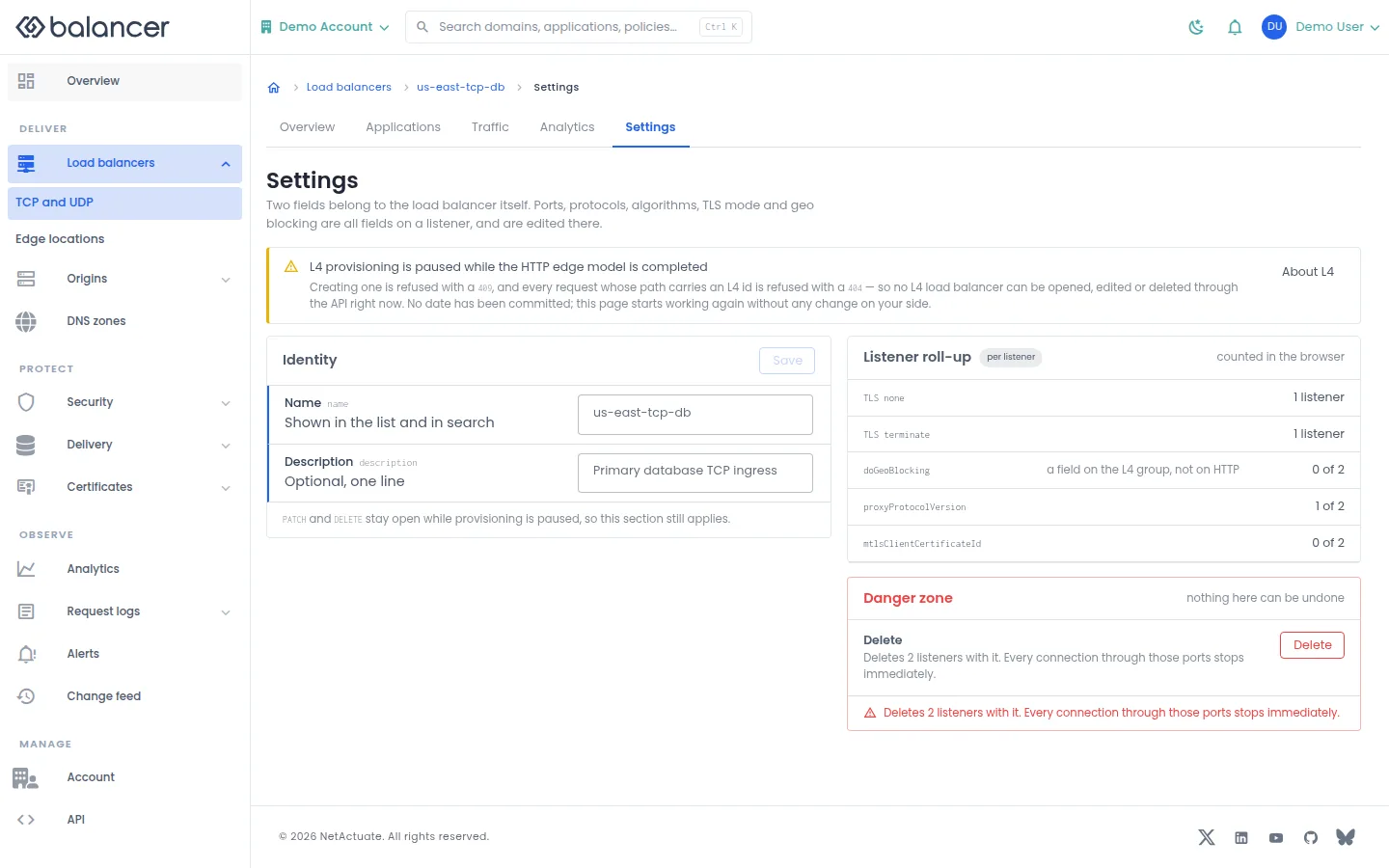
The settings screen presents identity and listener summaries. These controls may not be available on your account yet. Production creation is currently rejected and the production list is empty.
- Open Load balancers, then TCP and UDP to inspect availability.
- Read the L4 availability guide before planning a deployment. Do not use the creation controls as confirmation of production availability.
| Field | Required | Description | Matching API field |
|---|---|---|---|
| Name | No | Load balancer label. | name |
| Description | No | Load balancer description. | description |
Verify with the API
Use the API host shown in the Balancer portal in place of https://<your-api-host>. Set $BALANCER_API_KEY to your credential for this context.
curl --fail-with-body --silent --show-error --request GET \
  --url "https://<your-api-host>/l4-loadbalancers" \
  --header "x-api-key: $BALANCER_API_KEY"
Expect HTTP 200 with code set to 200. The response includes data.meta.total, data.meta.offset, data.meta.limit, data.meta.suggestedFilters. Compare the returned configuration with the screen. A successful configuration read does not verify that an edge has applied it.
API reference: Returns an empty L4 load-balancer list.
TCP and UDP traffic
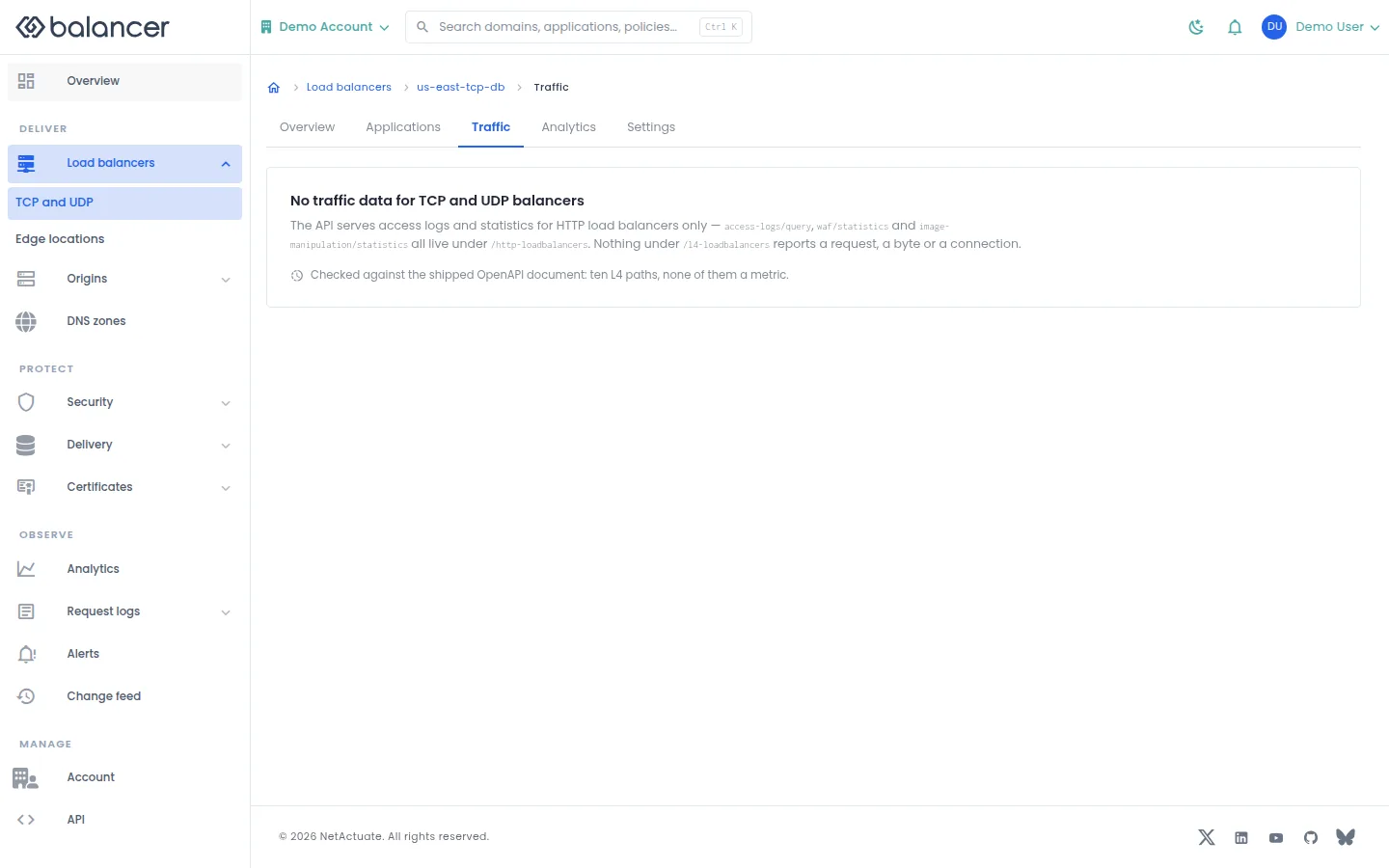
The screen states that traffic data is unavailable for TCP and UDP balancers. These controls may not be available on your account yet. Production creation is currently rejected and the production list is empty.
- Open Load balancers, then TCP and UDP to inspect availability.
- Read the L4 availability guide before planning a deployment. Do not use the creation controls as confirmation of production availability.
Verify with the API
Use the API host shown in the Balancer portal in place of https://<your-api-host>. Set $BALANCER_API_KEY to your credential for this context.
curl --fail-with-body --silent --show-error --request GET \
  --url "https://<your-api-host>/l4-loadbalancers" \
  --header "x-api-key: $BALANCER_API_KEY"
Expect HTTP 200 with code set to 200. The response includes data.meta.total, data.meta.offset, data.meta.limit, data.meta.suggestedFilters. Compare the returned configuration with the screen. A successful configuration read does not verify that an edge has applied it.
API reference: Returns an empty L4 load-balancer list.